
In the modern construction industry, where complexity, timelines, and budgets rule project success, companies are increasingly turning to digital solutions to streamline operations. Construct 360 ERP is one such powerful construction management ERP that brings full control, visibility, and automation to project management workflows. Whether you are a general contractor, builder, or project manager, Construct 360 ensures that no detail slips through the cracks—from planning to execution and delivery.
This blog explores how Construct 360 ERP empowers construction businesses to manage projects efficiently, reduce delays, ensure accountability, and stay within budget.
The Challenges of Traditional Construction Project Management
Before diving into how Construct 360 makes a difference, let’s understand the challenges that construction companies face when managing projects manually or with disconnected tools:
Lack of Real-Time Visibility: Many teams still rely on spreadsheets and emails, making it difficult to track progress or identify bottlenecks.
Resource Mismanagement: Improper scheduling of labor, machinery, and materials often leads to wastage and cost overruns.
Budget Overruns: Without centralized financial tracking, projects frequently go over budget.
Poor Communication: Miscommunication between field teams, office staff, and subcontractors leads to mistakes and rework.
Fragmented Tools: Using different systems for accounting, HR, procurement, and project tracking creates data silos.
Construct 360 ERP eliminates these inefficiencies by centralizing project data and providing tools for proactive decision-making.
Key Project Management Features of Construct 360 ERP
1. Centralized Project Dashboard
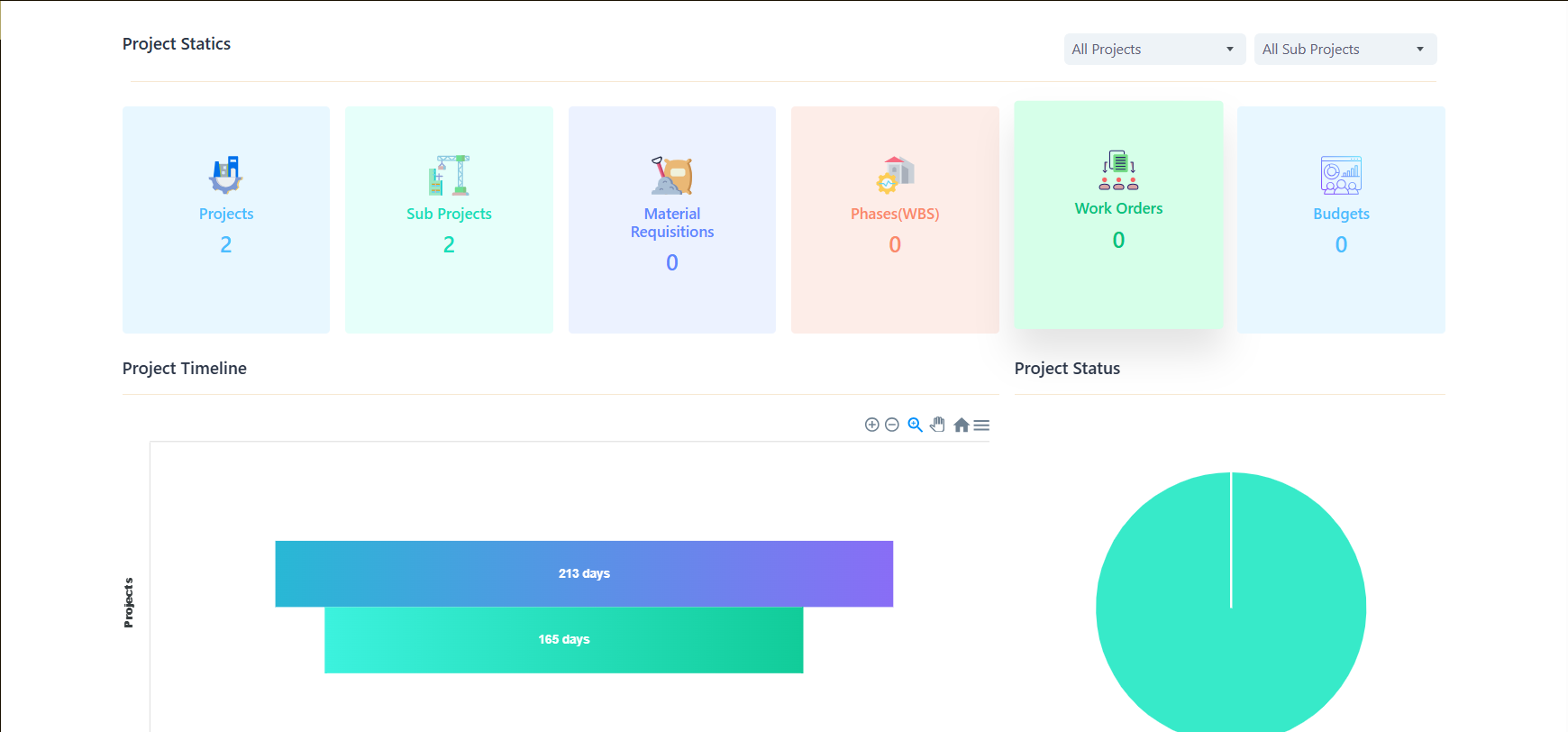
The heartbeat of Construct 360’s project management module is its real-time, centralized dashboard. Here’s what it offers:
Visual overview of ongoing projects
Timeline and milestone tracking
Alerts for delayed tasks or resource constraints
Budget vs. actual cost comparison
Work breakdown structure (WBS) views
Project managers can instantly assess the status of any site, compare progress across locations, and make quick, data-driven decisions.
2. Project Planning and Scheduling
Construct 360 includes a powerful Gantt chart-based scheduler, enabling project teams to:
Create project timelines with dependencies
Assign tasks to specific teams or individuals
Set milestones and monitor critical paths
Forecast delays and apply corrective actions proactively
It integrates seamlessly with procurement and HR modules to ensure that materials and workforce availability align with planned activities.
3. Real-Time Task Management
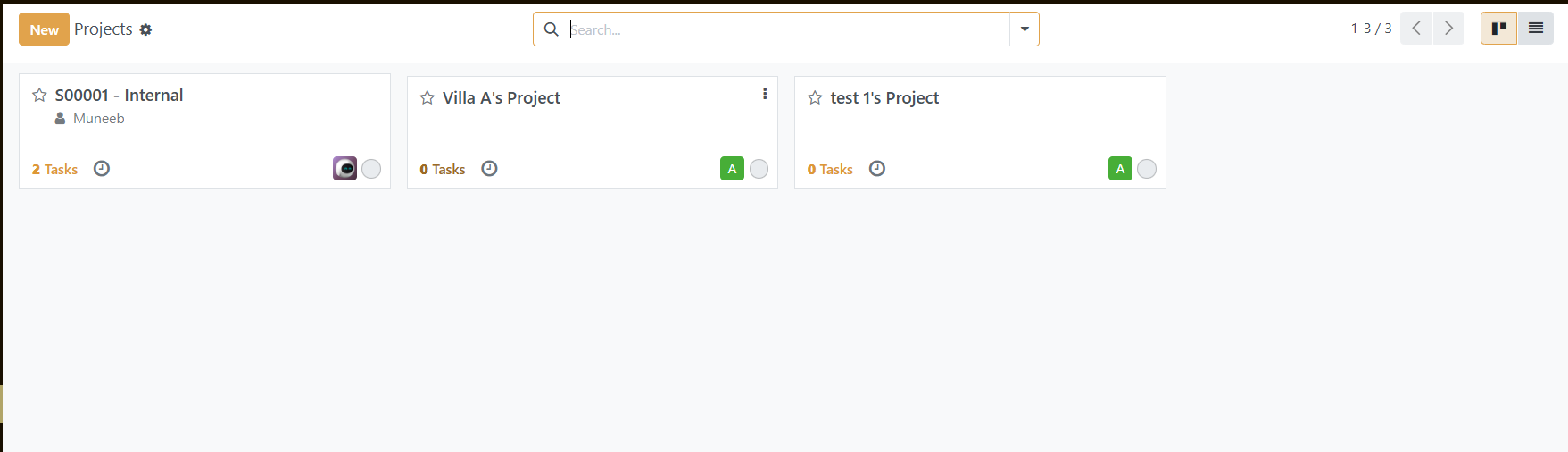
Each task assigned within Construct 360 is time-bound and trackable. Site engineers and supervisors can:
Update task completion status from mobile devices
Attach pictures, site notes, or documents
Communicate changes directly with the back office
Receive real-time notifications on delays or approvals
This level of task-level granularity helps in enforcing accountability across the chain.
4. Resource Allocation & Tracking
A significant cause of inefficiency in construction projects is the unavailability or overuse of key resources. Construct 360 provides:
Resource calendars to plan manpower, machinery, and materials
Usage reports to identify under- or overutilization
Integration with asset tracking for real-time equipment monitoring
Automated alerts when critical resources are low or unavailable
This ensures that resources are optimally used, reducing downtime and project delays.
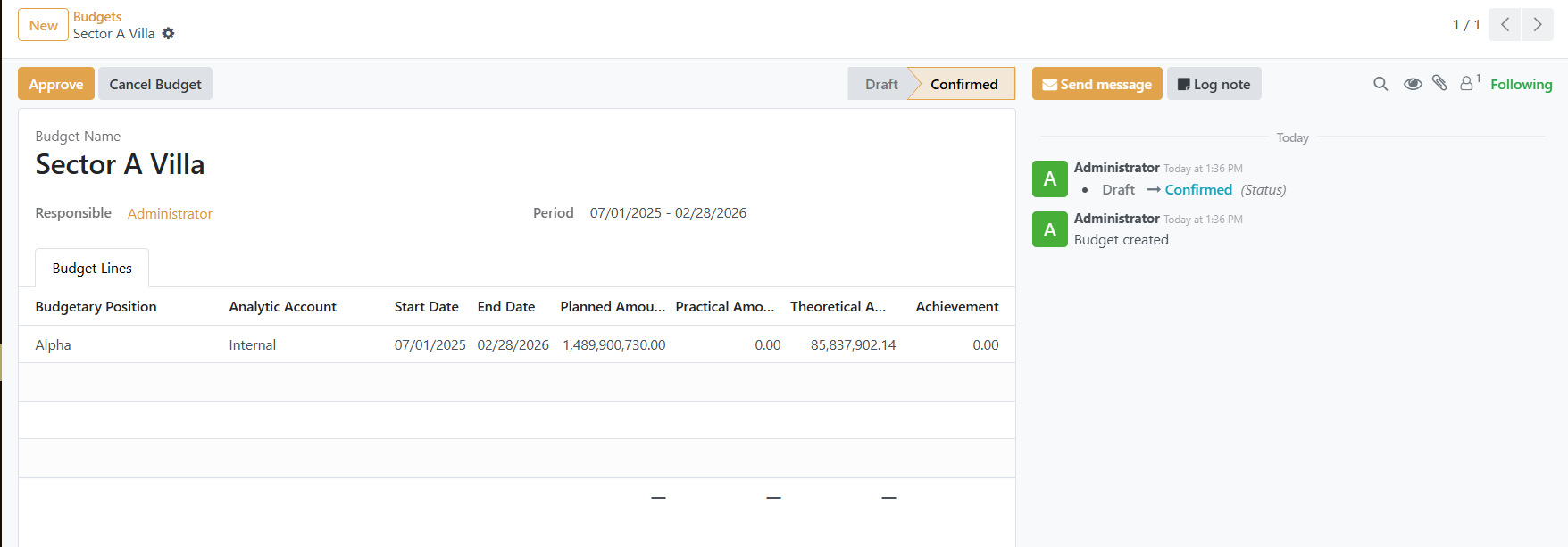
5. Budget and Cost Control
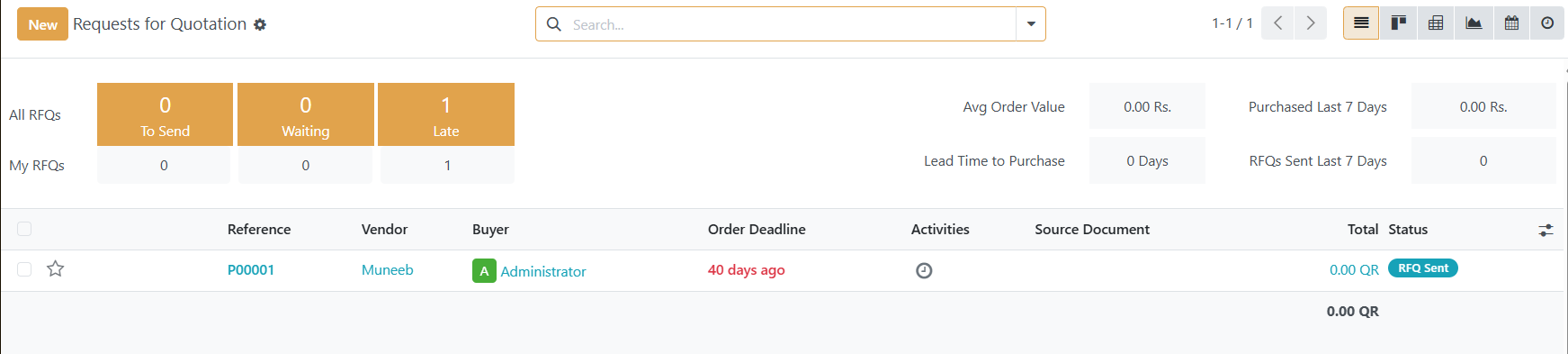
One of the most critical components of project management is cost control. Construct 360 enables:
Defining detailed project budgets by activity, phase, or BOQ items
Automatic cost capture from procurement and payroll modules
Real-time comparison of estimated vs. actual costs
Alert generation when costs exceed predefined thresholds
This financial insight ensures that budget leaks are identified early, and corrective actions can be applied swiftly.
6. Document and Drawing Management
Managing project-related documentation is easy within Construct 360:
Upload architectural drawings, site layouts, and permits
Maintain version control for documents
Control access based on user roles (e.g., engineers, architects, contractors)
Sync documents with site teams for real-time use
This avoids outdated plan usage, reduces confusion, and ensures compliance.
7. Quality and Compliance Tracking
Construct 360 integrates quality assurance and compliance checklists into the project flow:
Set inspection checkpoints and assign QA teams
Capture quality issues on-site with image attachments
Track non-compliance incidents and resolution timelines
Generate reports for client or regulatory audits
Compliance becomes a structured process, not a last-minute scramble.
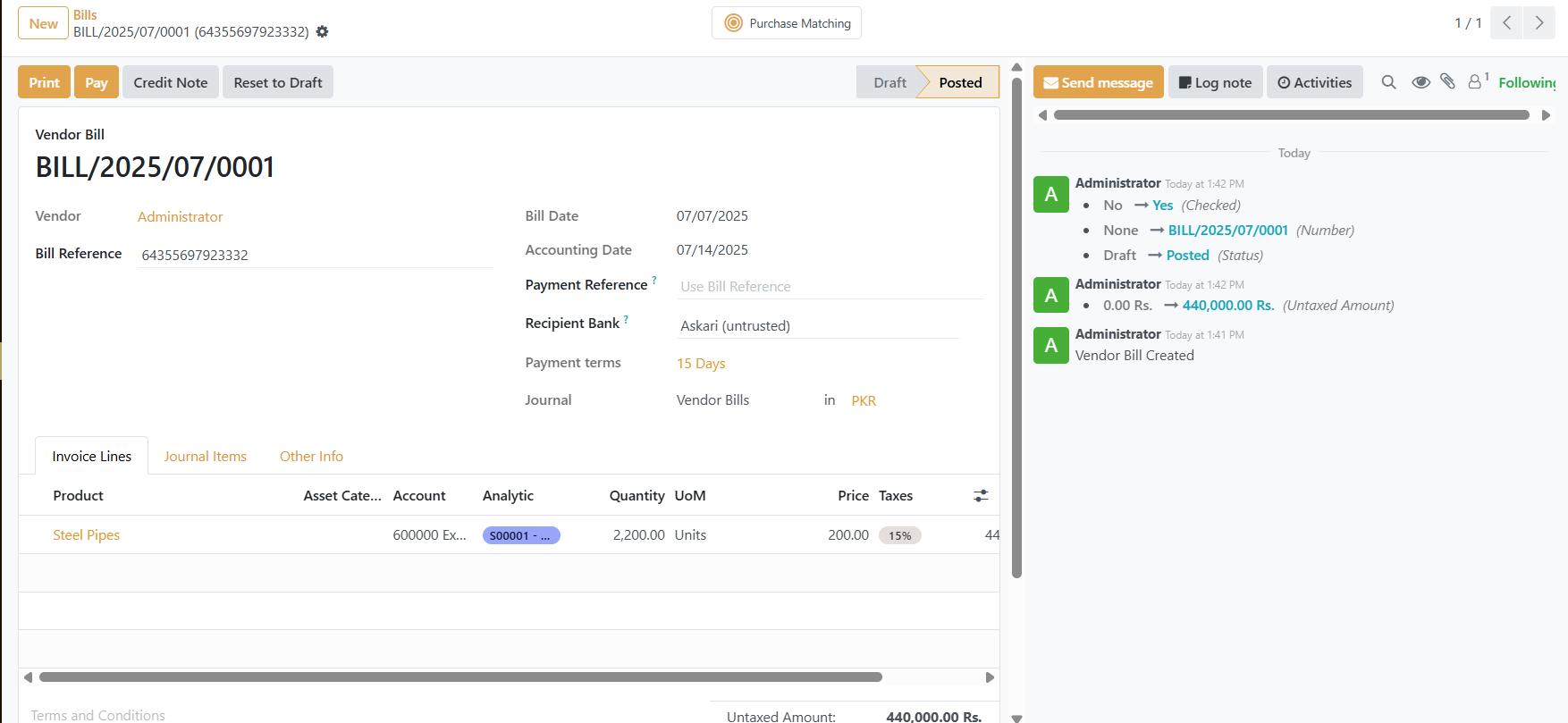
8. Progress Billing and Client Reporting
Billing and client satisfaction are equally critical. Construct 360 handles:
Progress-based billing linked with task completion
Auto-generated client reports with timelines, costs, and issues
Digital client approvals and feedback
Integration with accounting for seamless invoicing
This transparent reporting builds trust with clients and speeds up payment cycles.
Benefits of Using Construct 360 for Project Management
Final Thoughts
In today’s competitive construction industry, delivering projects on time, within budget, and at expected quality levels is no longer negotiable. With Construct 360 ERP, construction businesses get a comprehensive, purpose-built solution that eliminates chaos, improves collaboration, and drives profitable project delivery.
From laying the foundation to final handover, Construct 360 is the digital partner your project managers can rely on.
Want to see Construct 360 in action?
Request a free demo today and take the first step towards smarter construction management.